Edit, build, run, and archive one industrial project
Create or open a project, edit XAML, ResX, and text files, maintain engineering configuration, run local builds, and save recoverable .sdnz backups. Both editions include engineering, security configuration and integrated Git; Enterprise also includes an AI assistant with voice.
- Windows desktop
- Project lifecycle
- .sdnz backup
Implemented core capabilities
Project and backup
Create, open, save, restore, and hand over a single project with .sdnz backup files.
Text file editing
Open text files that do not have a dedicated editor, save content, and track document changes.
XAML editing
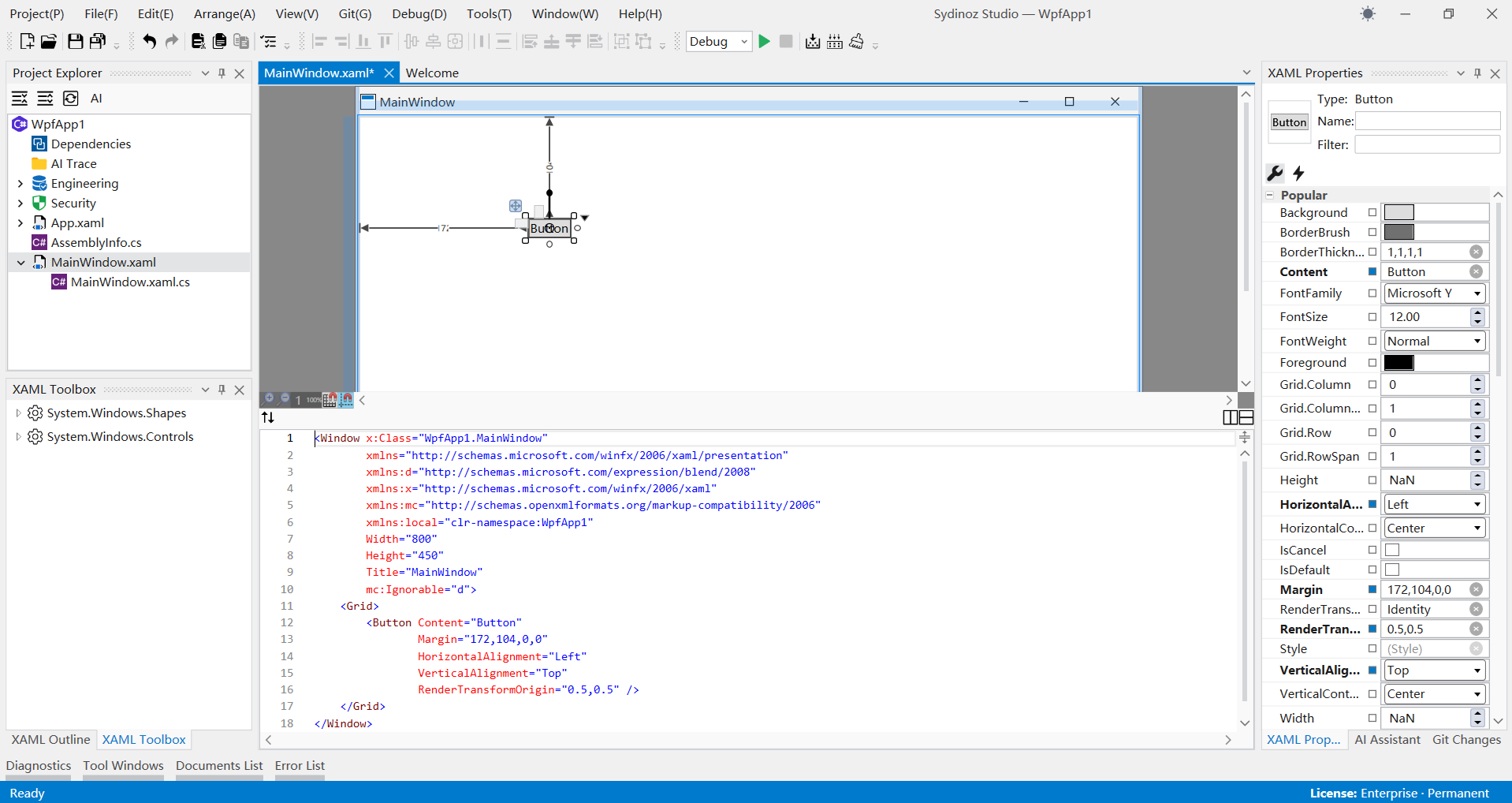
Edit WPF XAML in source and visual modes; unsupported structures remain editable in source mode.
Build, clean, and run
Call local .NET/MSBuild build, rebuild, clean, and run actions, then review diagnostics.
Engineering configuration
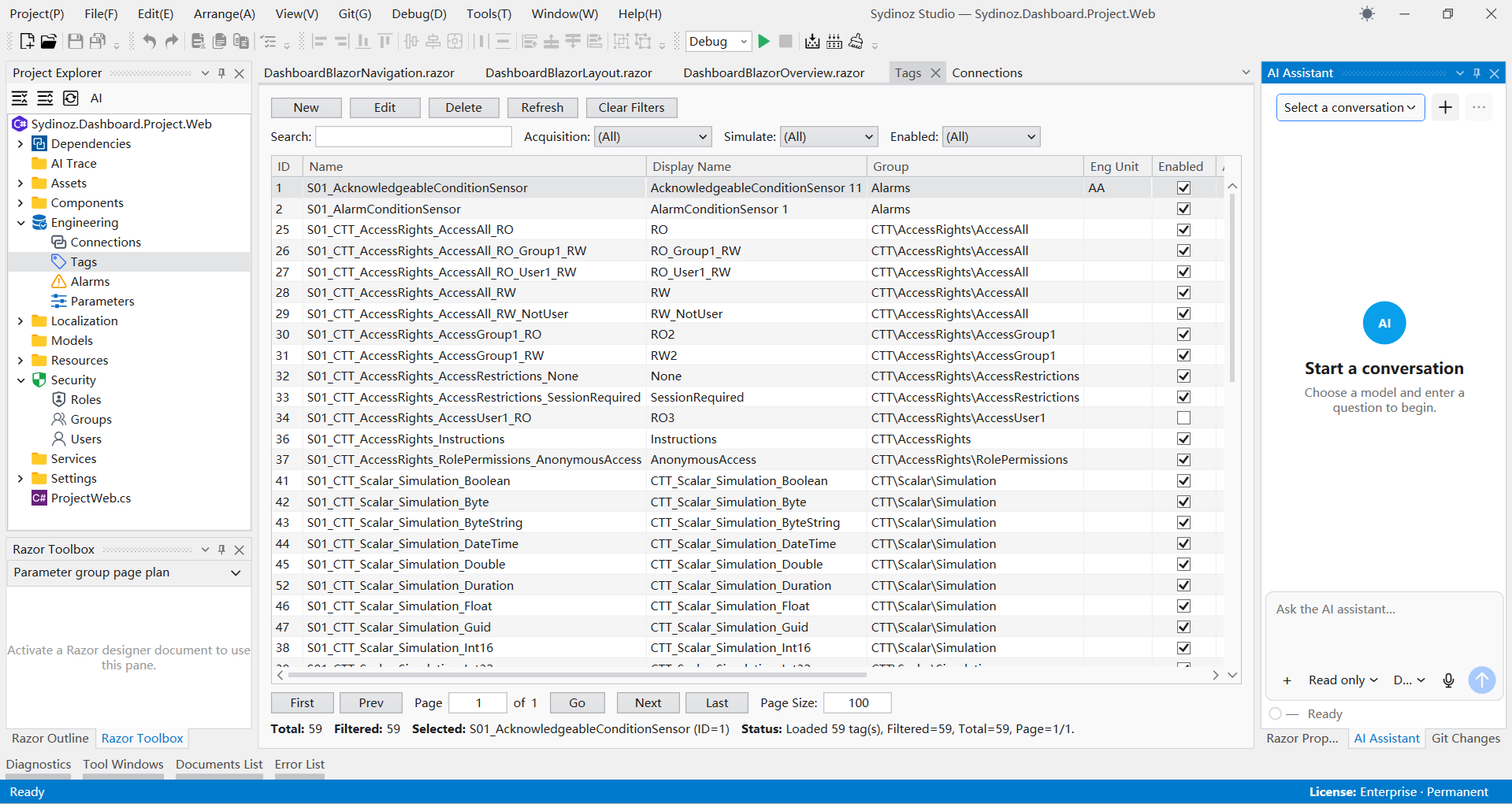
Maintain connections, tags, alarms and parameters in one project, keeping configuration ready for runtime deployment.
ResX localization
Maintain neutral and satellite ResX resources by resource family and output updated language files.
Dependency management
Search, install, update, and uninstall package references for the current project.
Project security configuration
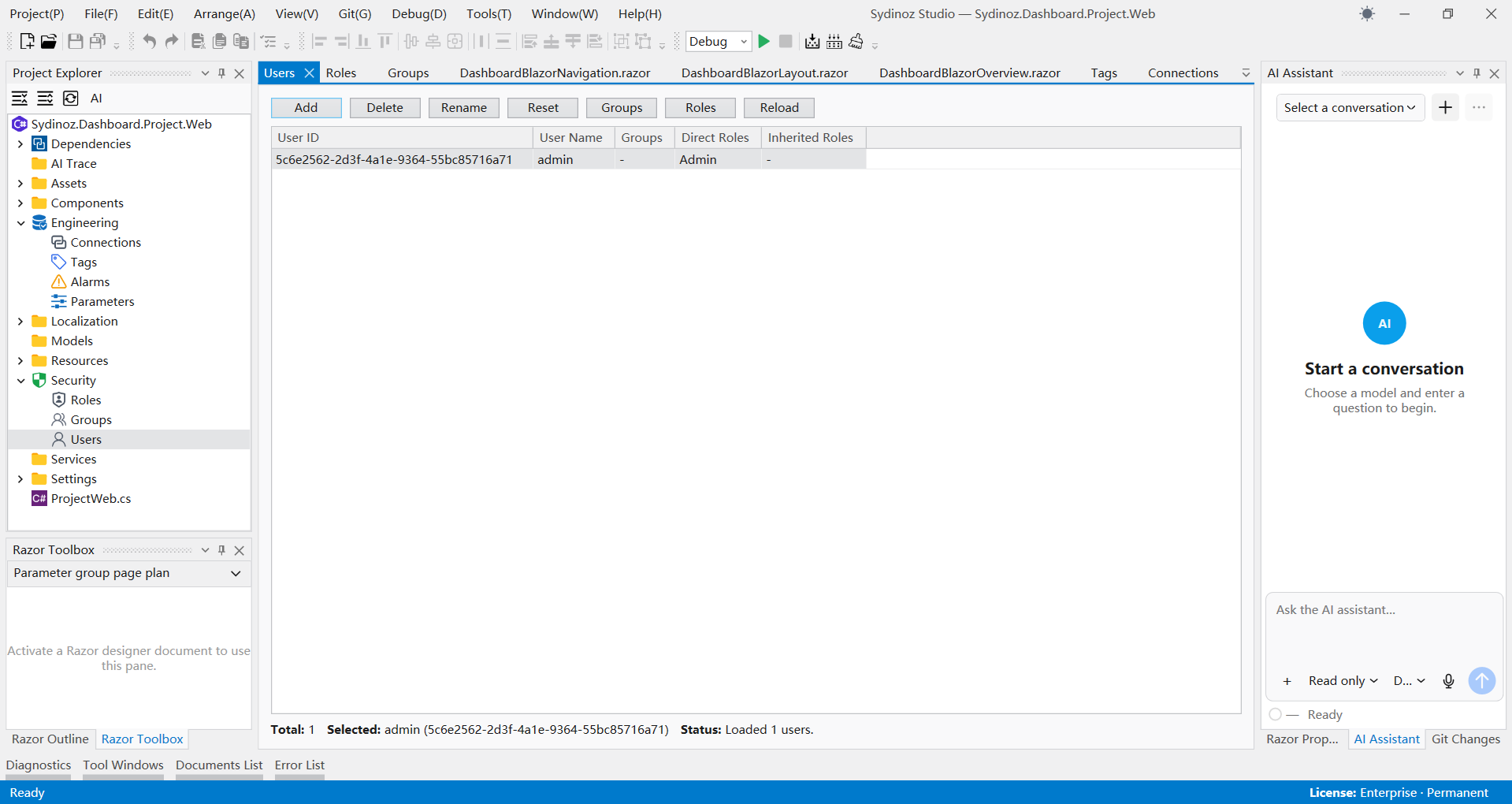
Manage project users, roles and groups together, making access responsibilities clear before deployment.
Five project types
Create Operations, Dashboard, WPF, Blazor and .NET class-library projects.
Integrated Git version control
Review project changes, commits and history in Studio, with branch management and explicit review before changes are committed. Available in both Professional and Enterprise.
AI assistant and voice
Studio Enterprise includes an AI assistant, voice input and spoken feedback. Professional does not include AI or voice.
A clear four-step path
- 1
Create
Create or open a project and organize its files.
- 2
Configure
Maintain UI resources and licensed engineering objects.
- 3
Build and run
Build the target and review structured results.
- 4
Diagnose and archive
Resolve issues and preserve the project as an .sdnz archive.
Where this product fits
- Industrial application development
- Control-system engineering configuration
- Multilingual desktop resource maintenance
- Project handover and recovery exercises
Licensing, requirements, and boundaries
Licensing and editions
Professional
Professional includes the core workspace, editing, build and run, dependency management, diagnostics, localization, engineering configuration, users, roles and permissions, and integrated Git. It supports Operations, Dashboard, WPF, Blazor and .NET class-library projects. AI and voice are not included.
Enterprise
Enterprise includes all Professional features plus an AI assistant with voice input and spoken feedback.
Technical requirements
- Windows WPF desktop application targeting net10.0-windows.
- Target projects require a compatible .NET SDK and resolvable dependencies.
- Project archives use .sdnz.
- Final Windows, hardware, DPI, multi-screen, and third-party component requirements remain project-specific.